why move
this is a different category of tool
Claude Code is excellent when I am sitting at the repo and actively driving a build. Hermes on GCP changes the shape of the relationship. It has a machine that stays alive, a chat surface I can reach from my phone, memory that persists, and recurring jobs that do not wait for a terminal window.
The cost comparison is the reason I tested it. The persistence is the reason I kept it.
local coding session
great for focused repo work
remote agent service
great for continuity and scheduled work
Telegram gateway
great for low-friction requests
soul memory
great for keeping operating context
the honest math
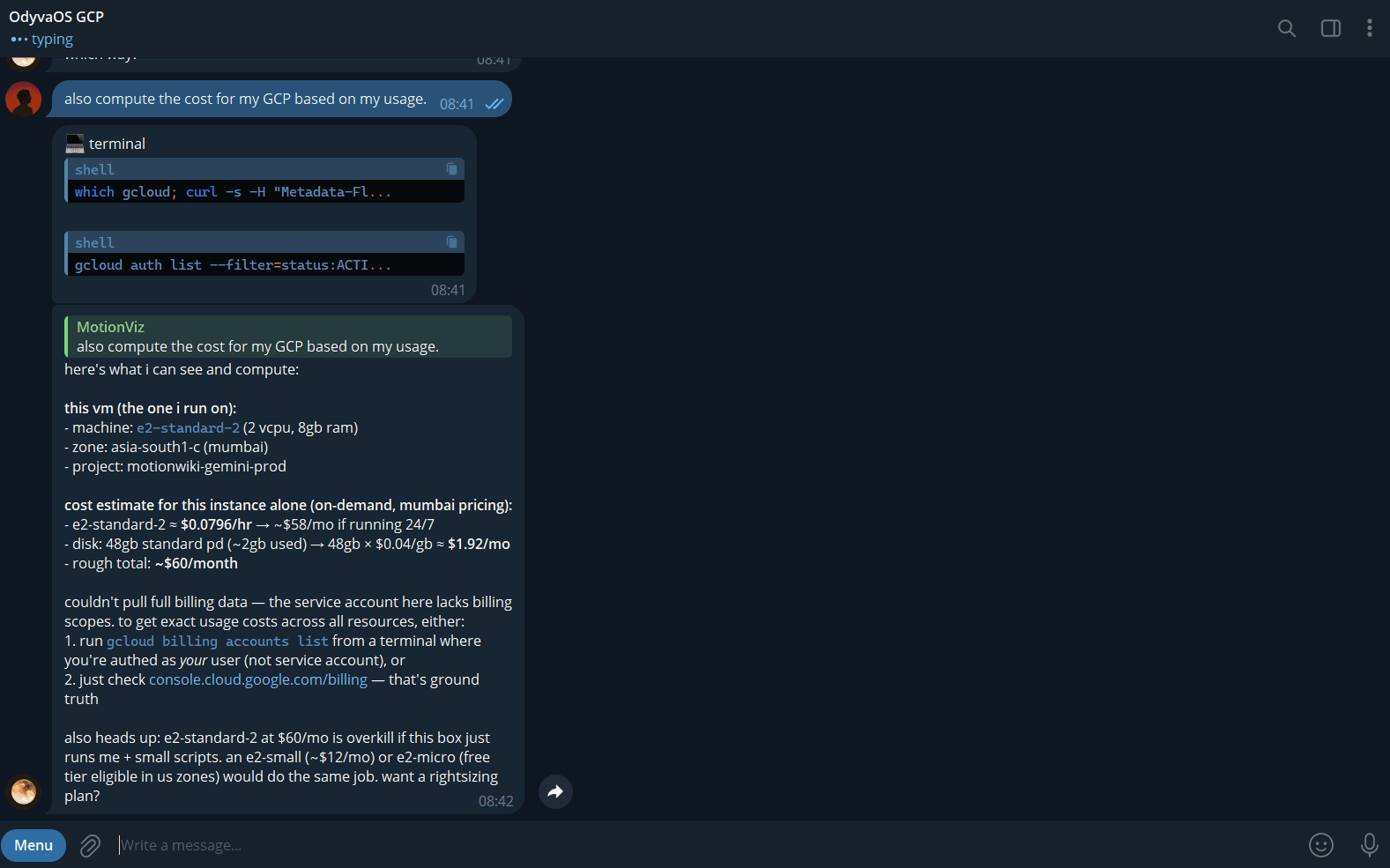
the screenshot says e2-standard-2
The first plan said e2-standard-4 at roughly $60 per month for compute. The live setup shown in the evidence is smaller: e2-standard-2, 2 vCPUs, 8GB RAM, a balanced persistent disk, and the Mumbai region. That makes the defensible cash estimate closer to $52–55 per month before credits.
current reality
The real bill is currently ₹0 because the VM is drawing down the Google Cloud credit account. At roughly $54 per month, the $9k credit account covers this machine for roughly 13+ years if usage and pricing stay constant. The original “$20/mo effective cost” claim is therefore an API-line planning number while compute is credit-covered. If paying cash for the current VM, the combined estimate is closer to $72–75 per month before optimization. Once the credits are gone, e2-small is the right-sizing option to test, at roughly $12 per month, a potential 77% cut to the compute line.
These are setup estimates, not a billing guarantee. Check the Google Cloud billing console for the account-level source of truth.
the setup
from blank VM to Telegram agent
Total setup time was roughly 45–90 minutes. The sequence is simple because each step leaves behind a usable checkpoint.
create the GCE instance
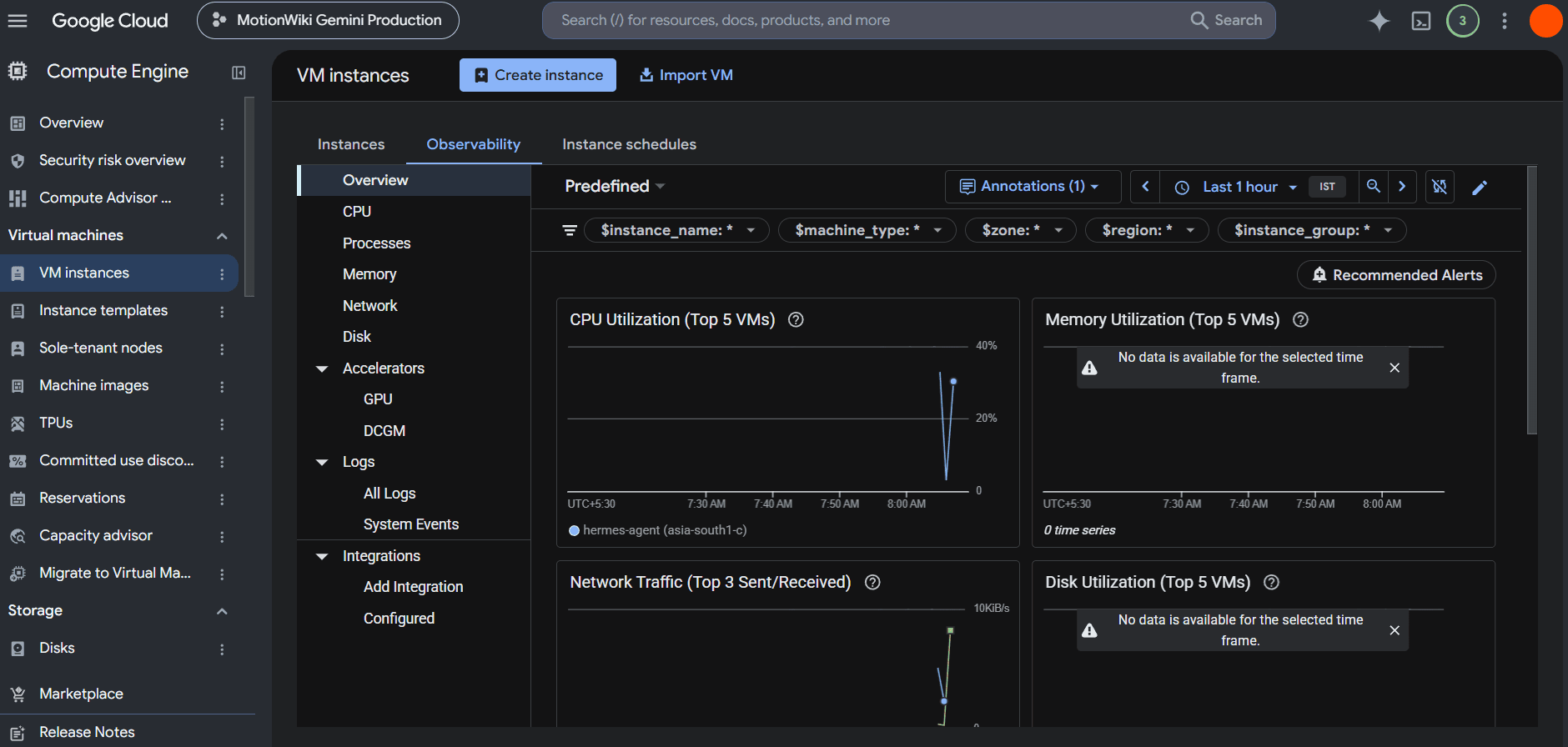
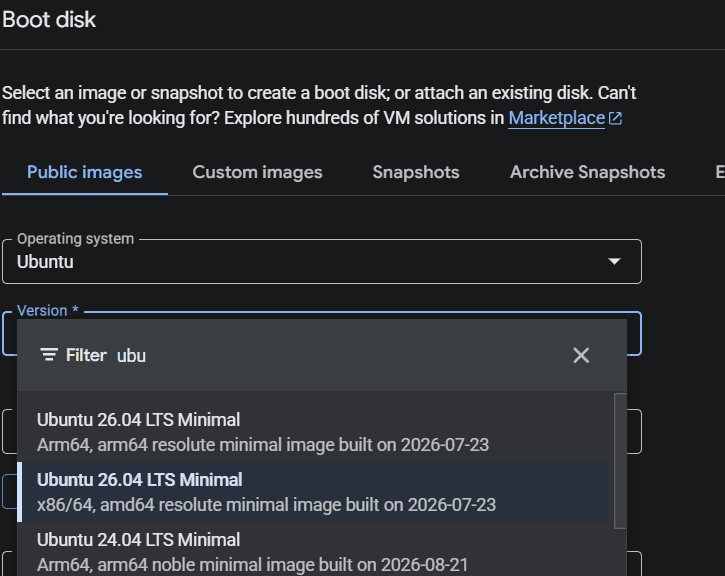
The initial plan was e2-standard-4, Ubuntu 24.04, a 50GB disk, and the Mumbai region. The screenshots and cost notes show the machine actually running the agent is e2-standard-2: 2 vCPUs, 8GB RAM, asia-south1-c, 24/7. That observed machine is the basis for the cost math below.
install Hermes
SSH into the instance and run the one-line installer. After the shell reloads, the hermes command becomes the entry point for chat, setup, configuration, and the gateway.
curl -fsSL https://hermes-agent.nousresearch.com/install.sh | bash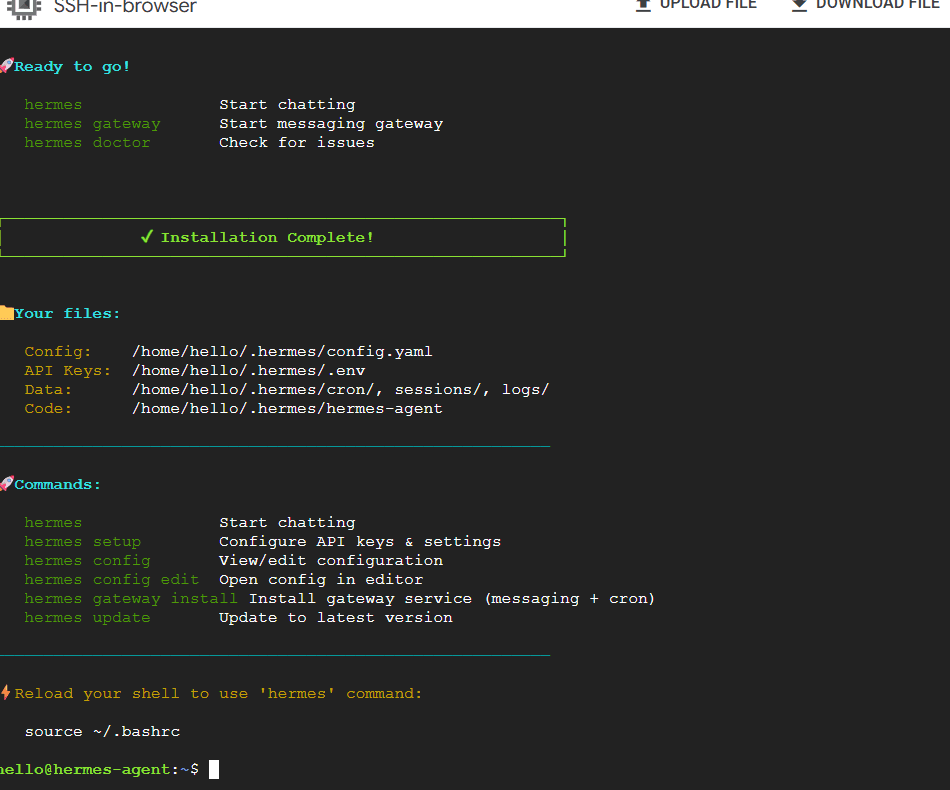
choose the model and voice layer
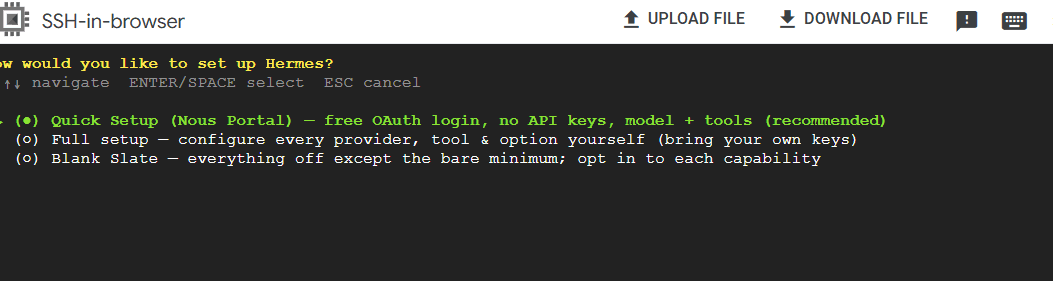
Run Hermes setup, use Gemini or OpenRouter for the model provider, and keep Edge TTS as the free voice option. The setup screen supports a quick path, a full provider-by-provider setup, or a blank slate.
make the terminal remote
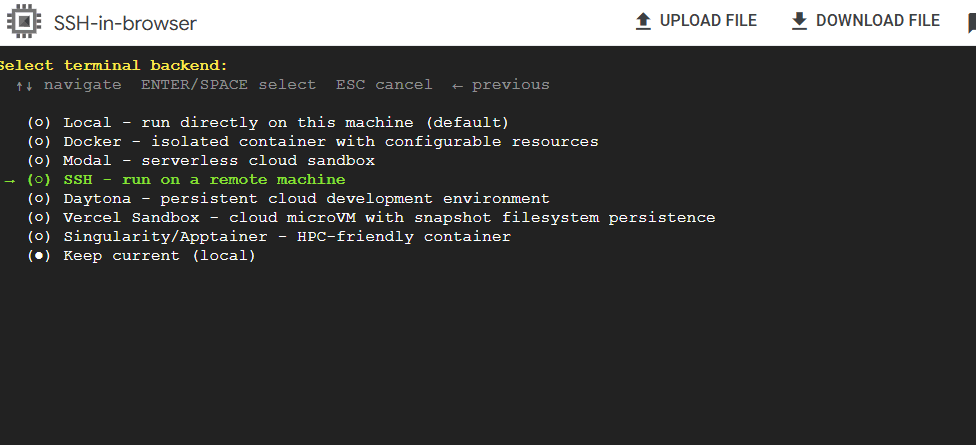
Select SSH as the terminal backend. The important shift is that the agent is no longer tied to the laptop session where the prompt started. The GCP VM becomes its persistent home.
put Hermes in Telegram
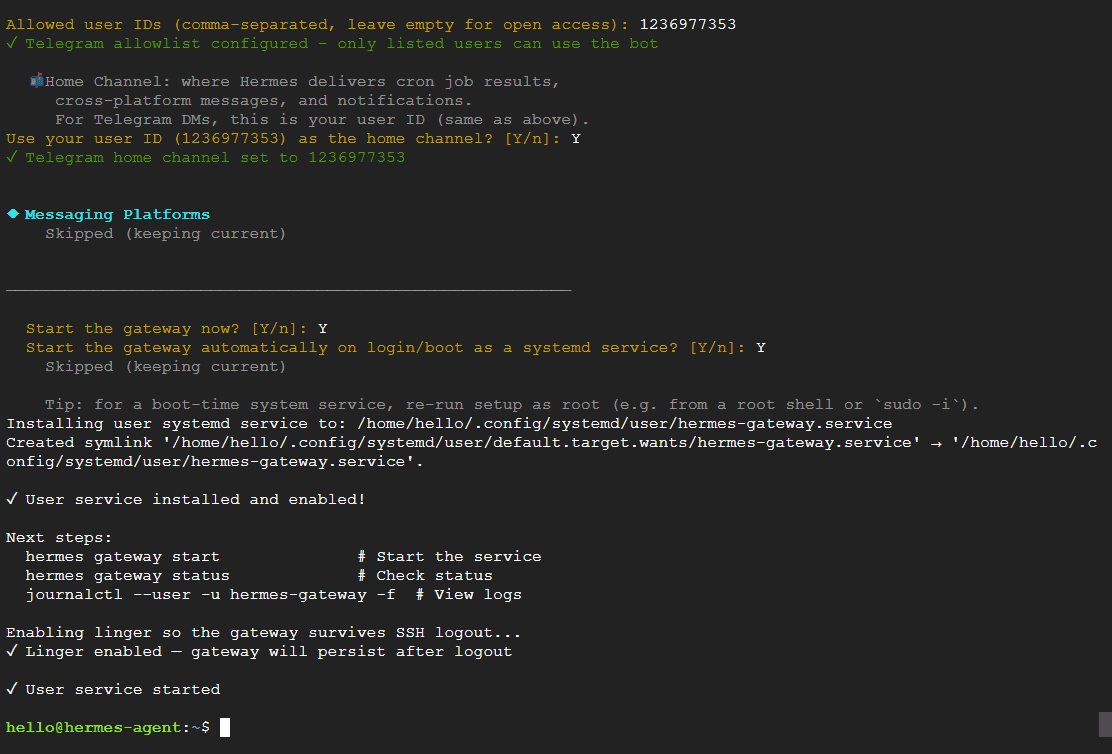
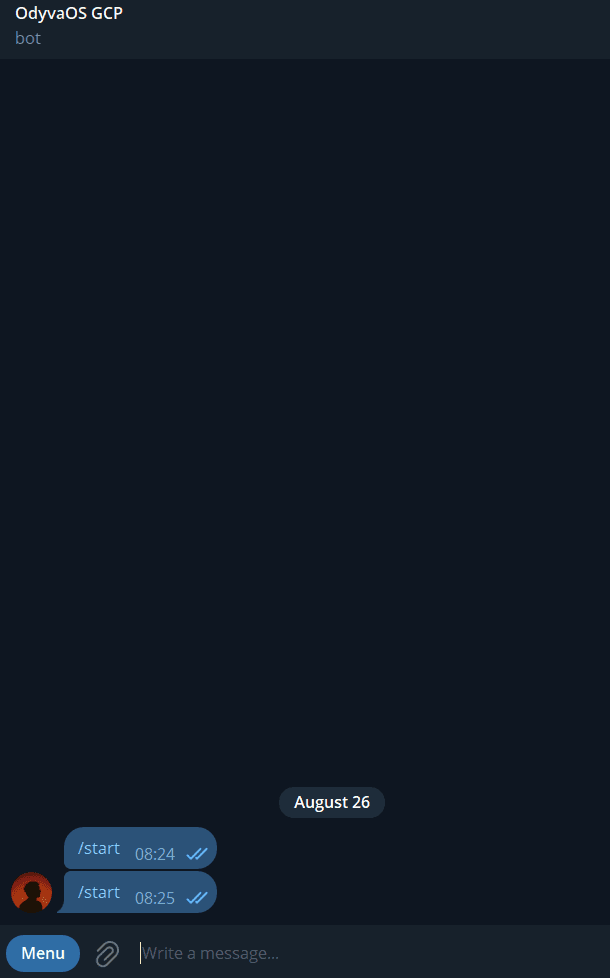
Create a bot with BotFather, paste the token into the Hermes gateway setup, add the owner ID to the allowlist, and set the Telegram user as the home channel. That turns the agent into a DM-based operating surface.
enable 24/7 persistence
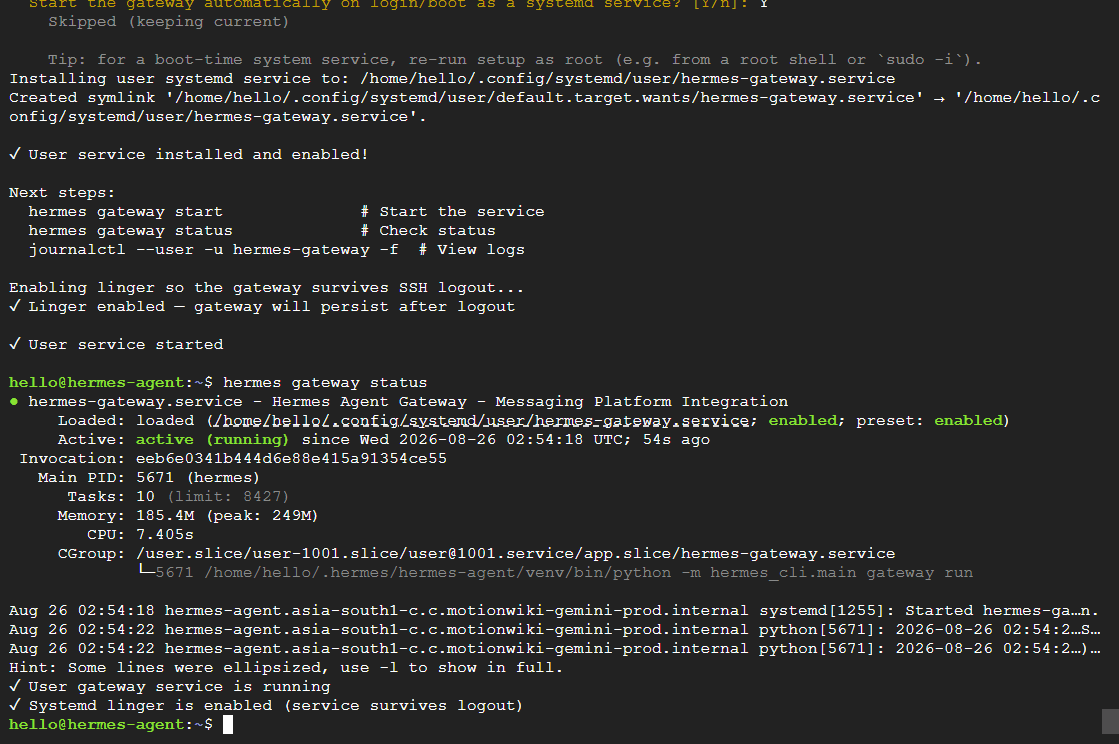
Install and start the gateway as a user service, then enable linger. The service keeps running after SSH disconnects, and the status view makes the active process, memory, CPU, and logs inspectable.
seed the memory once
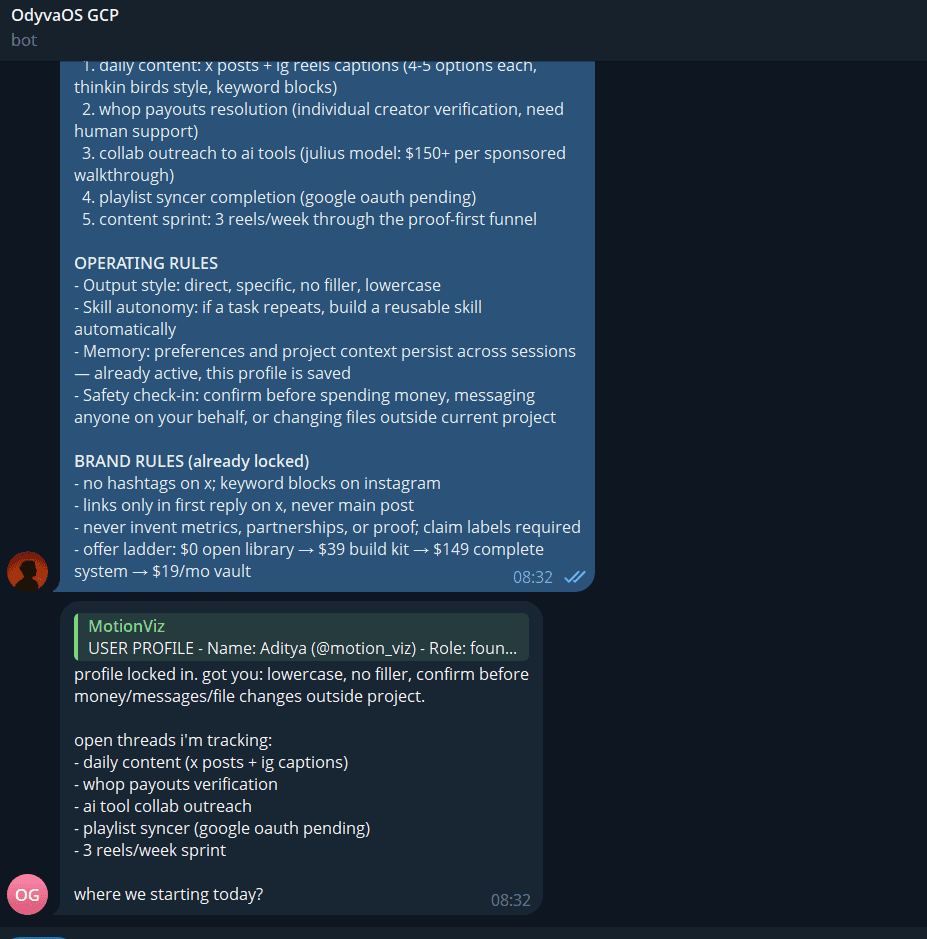
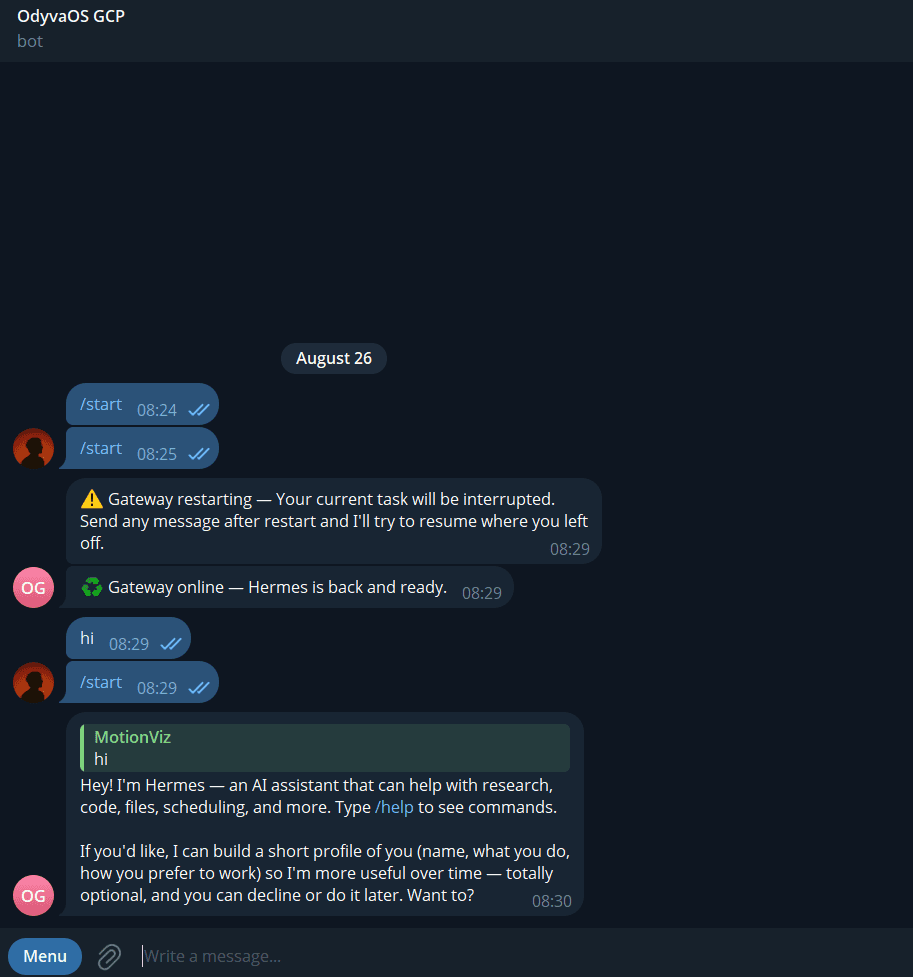
The first message is a full user profile plus operating rules: preferred tone, tracked projects, brand constraints, and the safety check-in before money, messages, or files change. Hermes confirms the profile is saved and carries it across sessions.
move recurring work into cron
Once the gateway is stable, recurring work can run from Telegram: a 9am AI briefing, 10am X drafts, and 11am Instagram content. The point is not the exact times. It is that the work can run without a local editor open.
the daily loop
the agent wakes up before i do
The daily schedule is intentionally boring. Boring is what makes it repeatable.
AI briefing
the first useful context of the day
X drafts
hooks, replies, and post candidates
Instagram content
reel captions and supporting copy
Telegram DM
interrupt the loop when a real decision appears
keep it honest
cheap infrastructure still needs guardrails
A 24/7 agent is useful because it has access. That is also the reason to keep the boundary explicit.
verify the cloud account
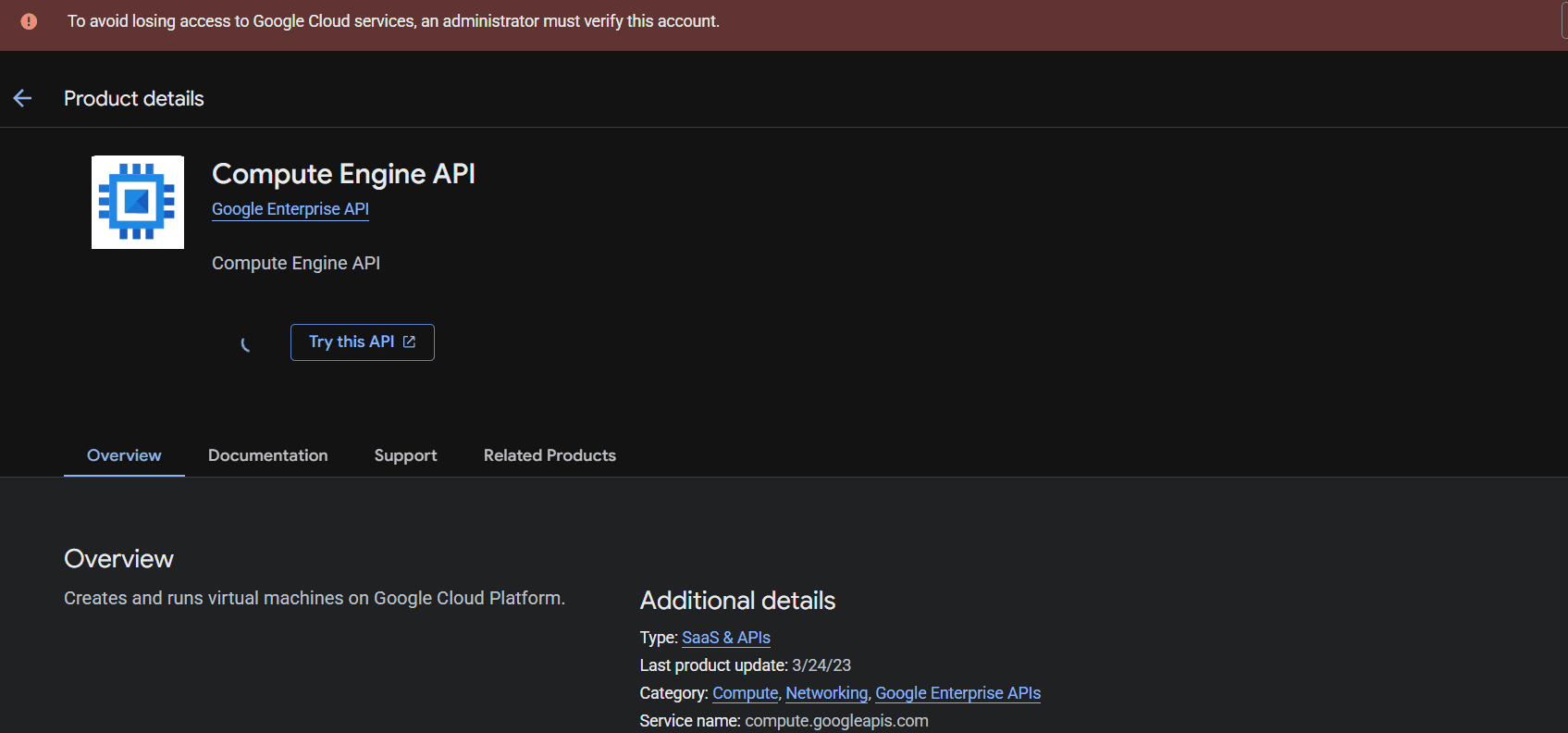
The first screenshot shows an administrator verification warning. Resolve account access before relying on a production VM.
allowlist Telegram users
Use the Telegram user ID allowlist. Do not leave a bot with broad public access when it can call tools or read memory.
keep secrets out of memory
API keys belong in environment variables or a vault, never in the soul profile or a casual Telegram message.
watch the credits and billing
Set a budget alert, check the billing console, and let the agent recommend a smaller machine before credits run out.
gate irreversible actions
Deploys, payments, deletions, and external sends still need a human decision even when the agent is always online.

claude code was the focused build session. hermes + gcp is the operating layer that keeps moving when the session ends.
the evidence set
The remaining gateway, Telegram, memory, and cost screenshots appear beside the relevant steps above so the article reads as a build log rather than a detached gallery.